

Image to WebP Converter – Convert Images Online for Free
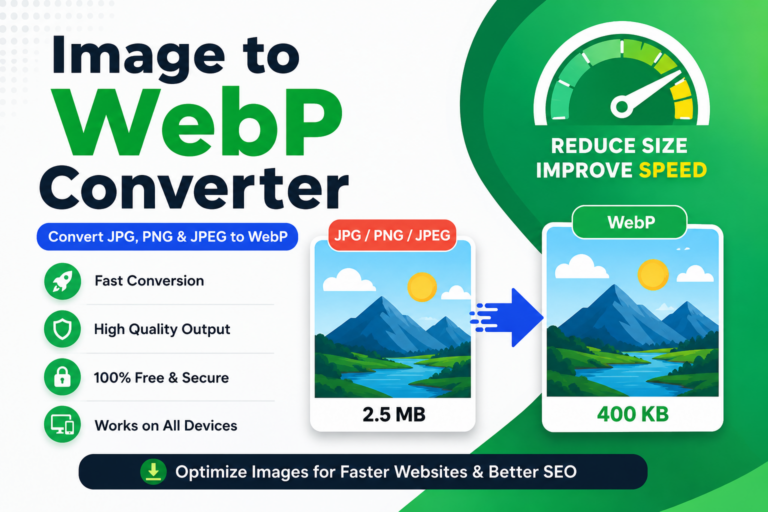
If your website loads slowly because of large image files, converting images to the WebP format is one of the easiest ways to improve performance. WebP is a modern image format developed by Google that delivers excellent image quality while keeping file sizes much smaller than traditional formats like JPG and PNG.
Our free Image to WebP Converter allows you to convert JPG, JPEG, and PNG images into WebP format within seconds. The tool works directly in your browser, requires no registration, and helps optimize your images without compromising quality.
What is WebP?
WebP is a next-generation image format designed specifically for the web. Compared to JPG and PNG, WebP images are much smaller in size while maintaining sharp details and vibrant colors. Smaller images mean faster loading pages, improved website performance, and a better browsing experience for your visitors.
Why Should You Convert Images to WebP?
Every image uploaded to your website affects loading speed. Large image files increase page size, consume more bandwidth, and may reduce user satisfaction. Converting images to WebP helps reduce file size without noticeable quality loss, making your website faster and more efficient.
Faster websites generally provide a better user experience, improve Core Web Vitals, and support overall SEO performance. Whether you manage a blog, an eCommerce store, or a business website, WebP images are an excellent choice.
How to Use the Image to WebP Converter?
Using the converter is simple. Upload your JPG, JPEG, or PNG image, and the tool automatically converts it into the WebP format. Once the conversion is complete, you can instantly download the optimized image with just one click.
Who Can Use This Tool?
This online converter is suitable for bloggers, website owners, WordPress users, developers, graphic designers, students, digital marketers, online businesses, and anyone looking to optimize images before publishing them online.
JPG vs PNG vs WebP
| Format | File Size | Quality | Recommended For |
|---|---|---|---|
| JPG | Medium | Good | Photography |
| PNG | Large | Excellent | Transparent Graphics |
| WebP | Small | Excellent | Websites & SEO |
Pro Tip
Always convert your website images to WebP before uploading them. Optimized images improve loading speed, reduce server bandwidth, enhance user experience, and help your website perform better in search engines.
Explore More Free Image Tools
If you’re working with images regularly, you may also find our other free tools useful. You can compress images before uploading, convert images to JPG or PNG, resize images for websites and social media, and explore many more free online image optimization tools available on StatusKing.
Frequently Asked Questions